Signing in
Sign in to Quote Hub with your work email, and sign out when you finish.
Quote Hub is for Score Group APAC staff. Your administrator creates your account, sets your role and gives you your first password.
Sign in
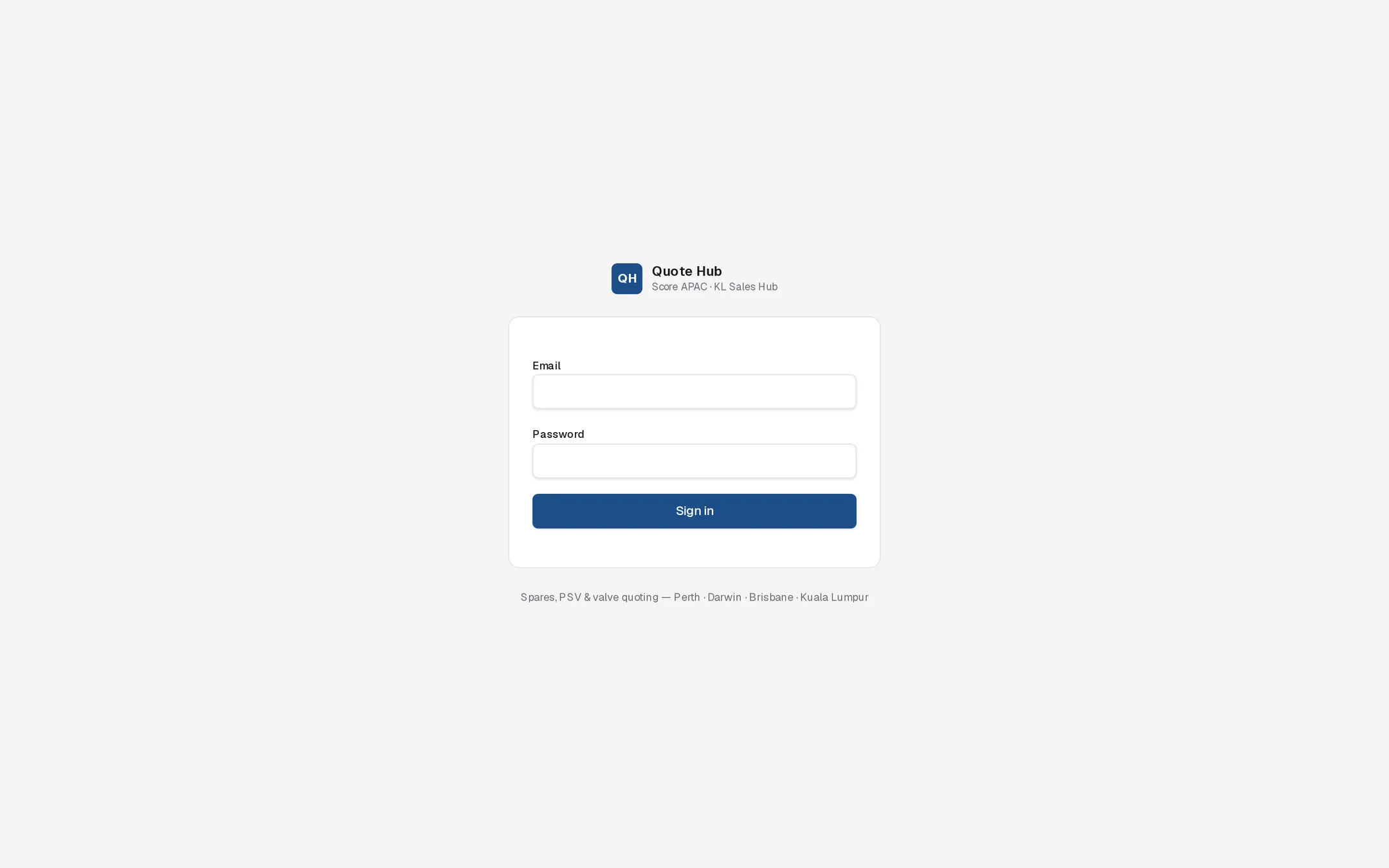
Sign in
Open Quote Hub
Go to the Quote Hub address your administrator gave you. If you are not signed in, Quote Hub shows the sign-in page.
Enter your details
Type your work email and password, then select Sign in.
Carry on where you were
Quote Hub opens the dashboard. If you followed a link to a specific page, such as an enquiry or an approval, it takes you to that page instead.
If the email or password is wrong, the page shows Invalid email or password. The same message appears if your account has been deactivated. Ask your administrator to check your account.
Sign out
- Select your name in the top-right corner.
- The menu shows your name, email and role.
- Select Sign out.
Quote Hub returns you to the sign-in page.
Sessions
- A session lasts 12 hours from sign-in. After that, Quote Hub asks you to sign in again.
- Closing the browser tab does not end the session. On a shared computer, always use Sign out.
- If an administrator deactivates your account or changes your role, password or sales unit, you are signed out within about 15 seconds.
- Each sign-in is recorded in the audit log.
Good to know
- Quote Hub has no self-service password reset. Your administrator sets a new password on Administration › Users. See Users.
- Your role decides what lands in your inbox and approvals queue. See Roles.
- Clients and suppliers do not sign in here. They open the client portal or supplier portal from a link in an email and confirm a one-time access code.